Home / Features One system instead of five that need reconciling at the end of the month. Each area has its own page with the detail, the screens and what it is actually for.
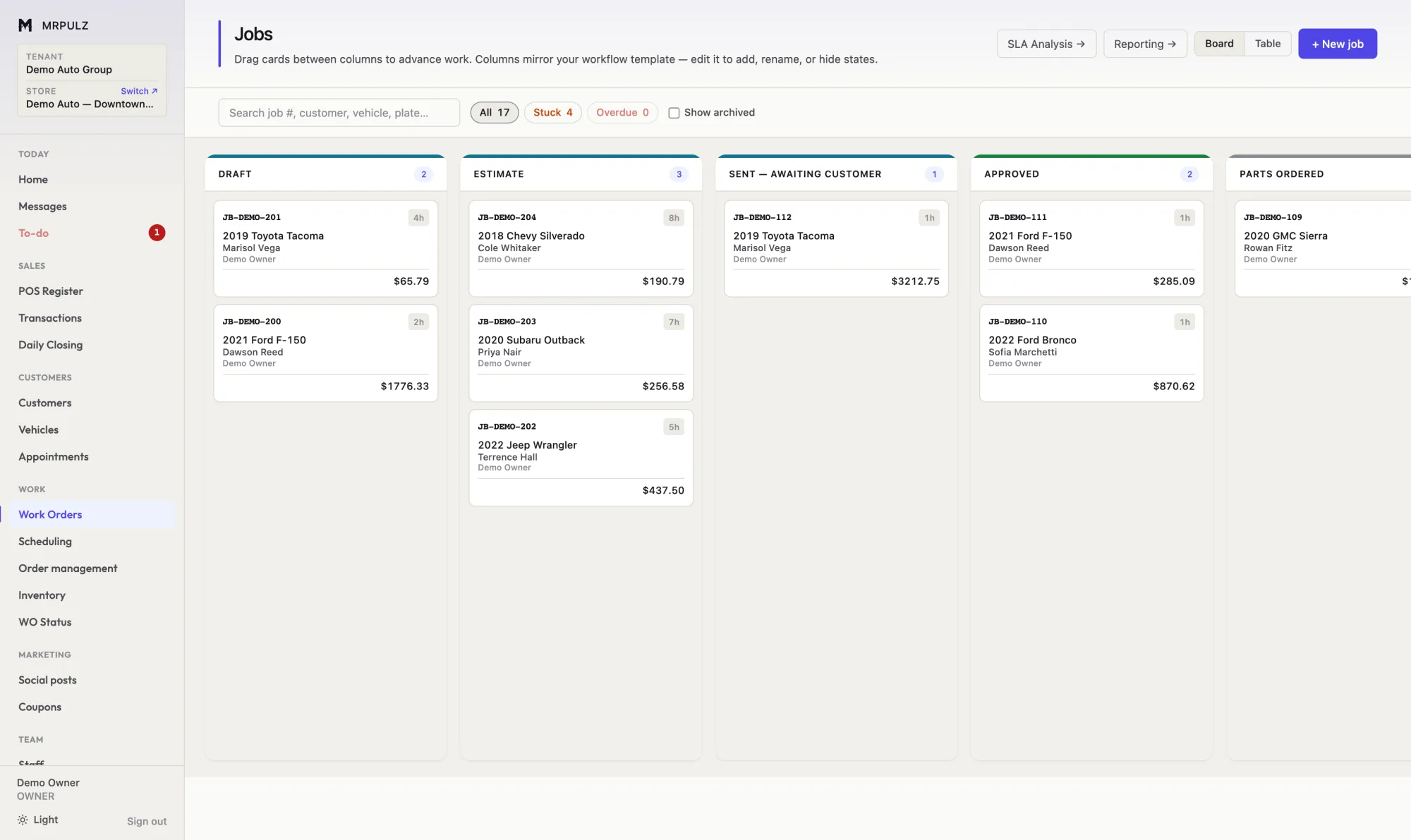
Quote, approve, order parts, schedule the bay, assign a technician and collect payment on one ticket.
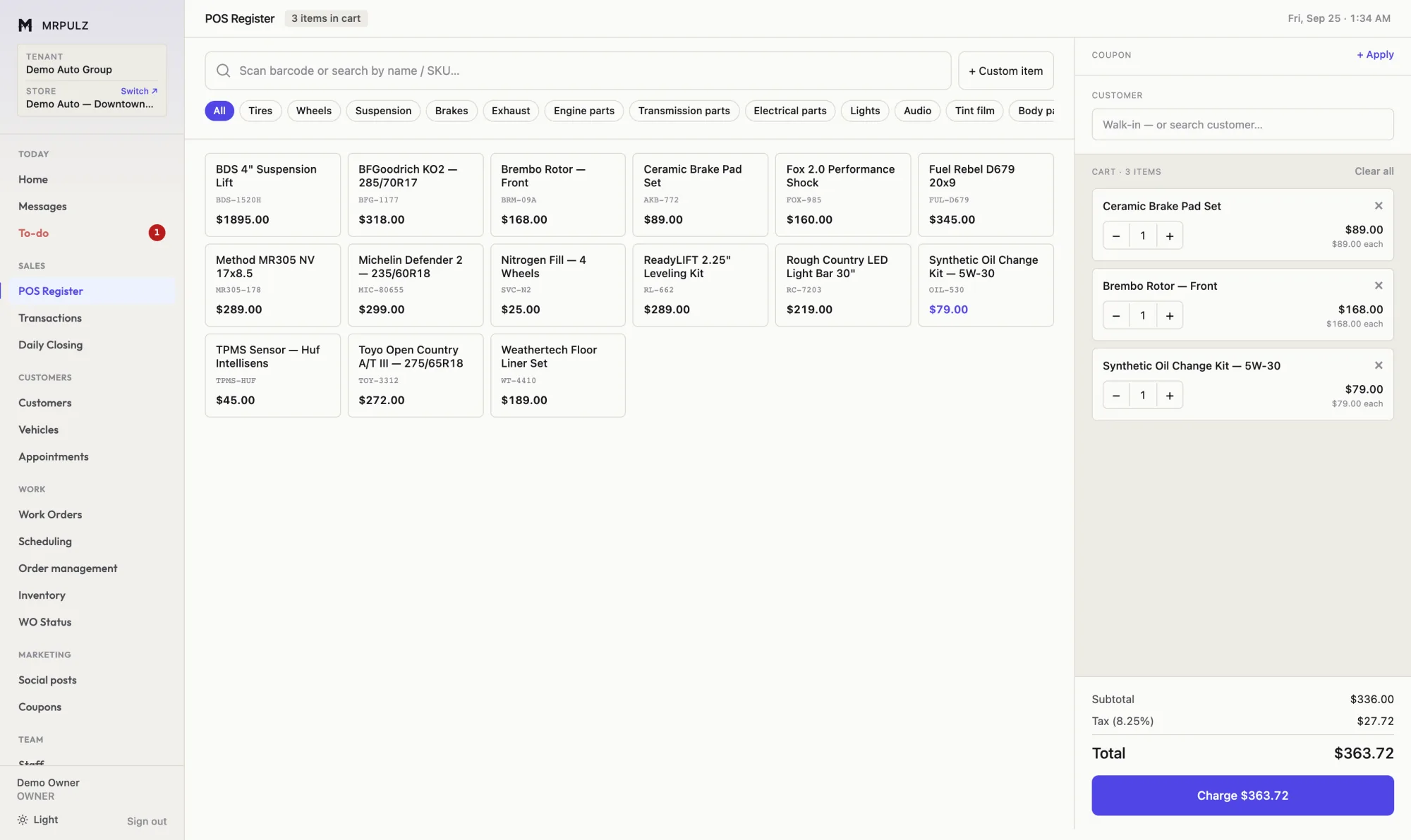
✓ Drag a job between stages, or advance it from the ticket ✓ Configurable stages per trade — no fixed pipeline ✓ Gates that block a move until the ticket is ready ✓ Stuck and overdue jobs surfaced automatically More on work orders → Ring up parts and service, take split payments, and have it land in the books without a second entry.
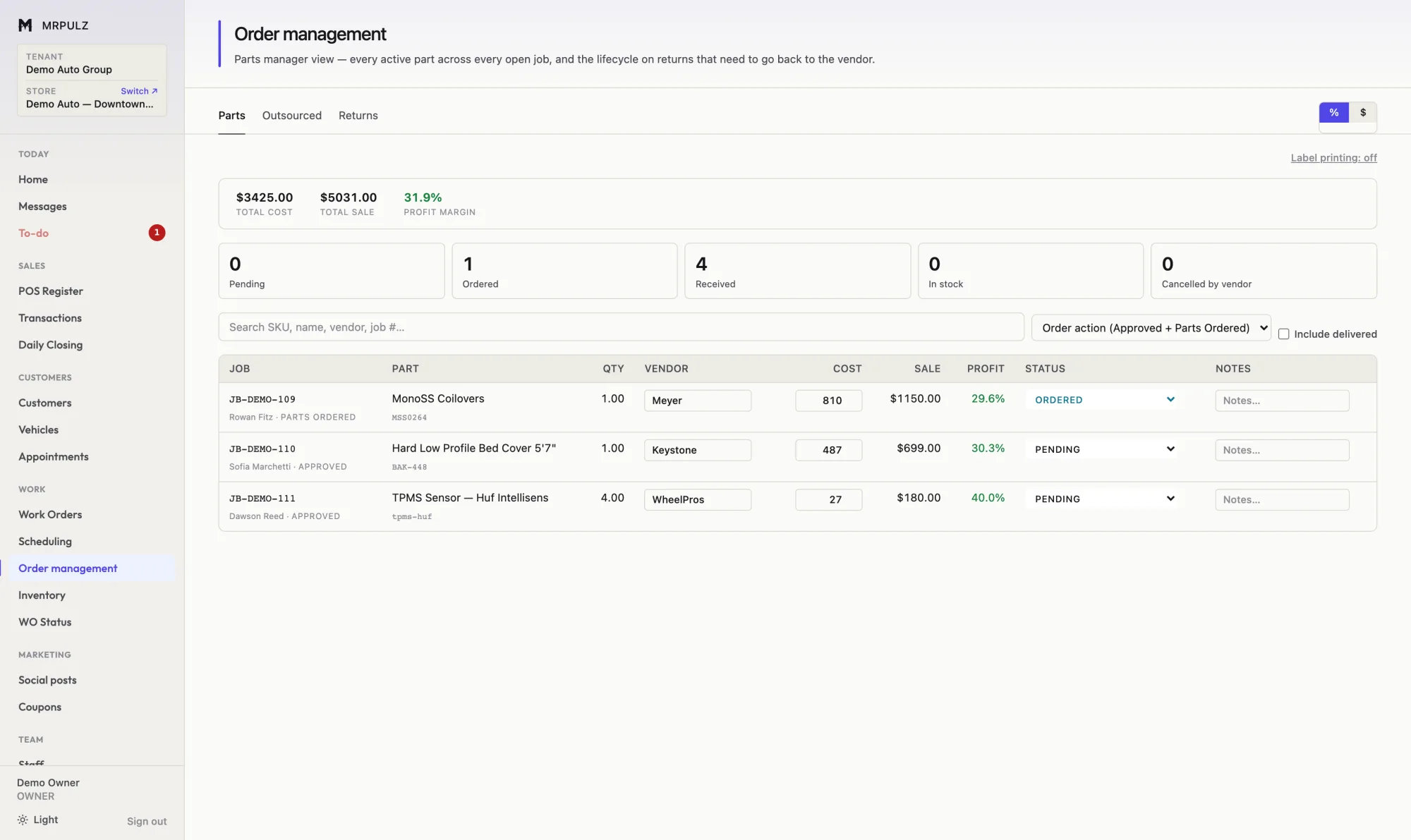
✓ Barcode scanning and tap-to-add product tiles ✓ Split tender across cash, card and store credit ✓ Card fees recorded separately from revenue ✓ Refunds and returns tracked against the original sale More on point of sale → Purchase orders, vendor tracking, in-stock pulls and outsourced work — with cost recorded against the job it belongs to.
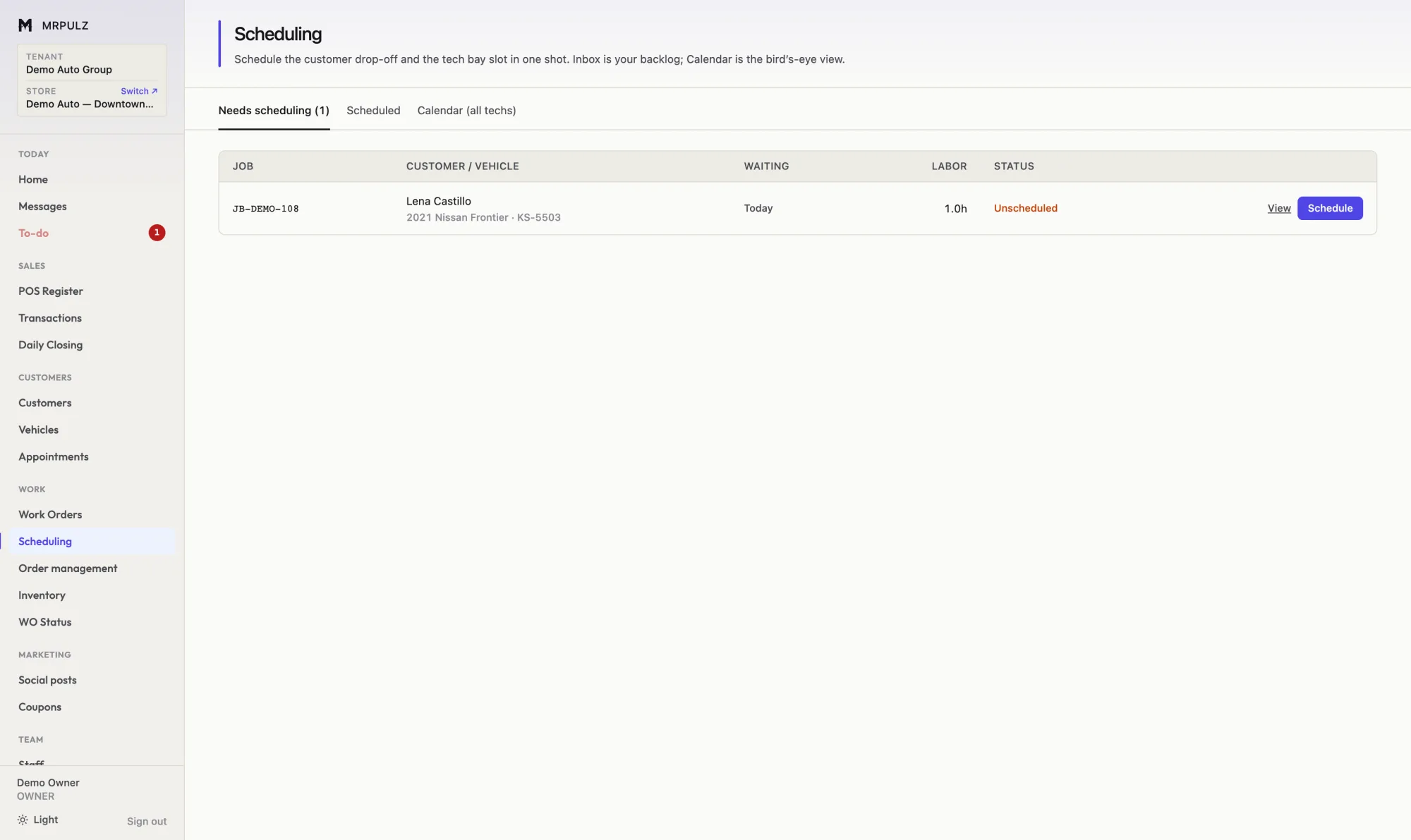
✓ Purchase orders raised straight from a job ✓ Vendor, cost, sale and margin on every line ✓ Cost auto-filled from inventory when the part is in stock ✓ A delivery check for parts with no cost recorded More on parts & purchasing → Book the customer drop-off and the technician slot together, so the car and the person who works on it arrive on the same day.
✓ Customer drop-off and technician slot booked together ✓ A backlog of approved work waiting to be scheduled ✓ Week view across all technicians, or one tech at a time ✓ Estimated hours per job, so a day is not overbooked More on scheduling → One catalog behind the register, the work orders and the purchase orders, with costs that stay accurate.
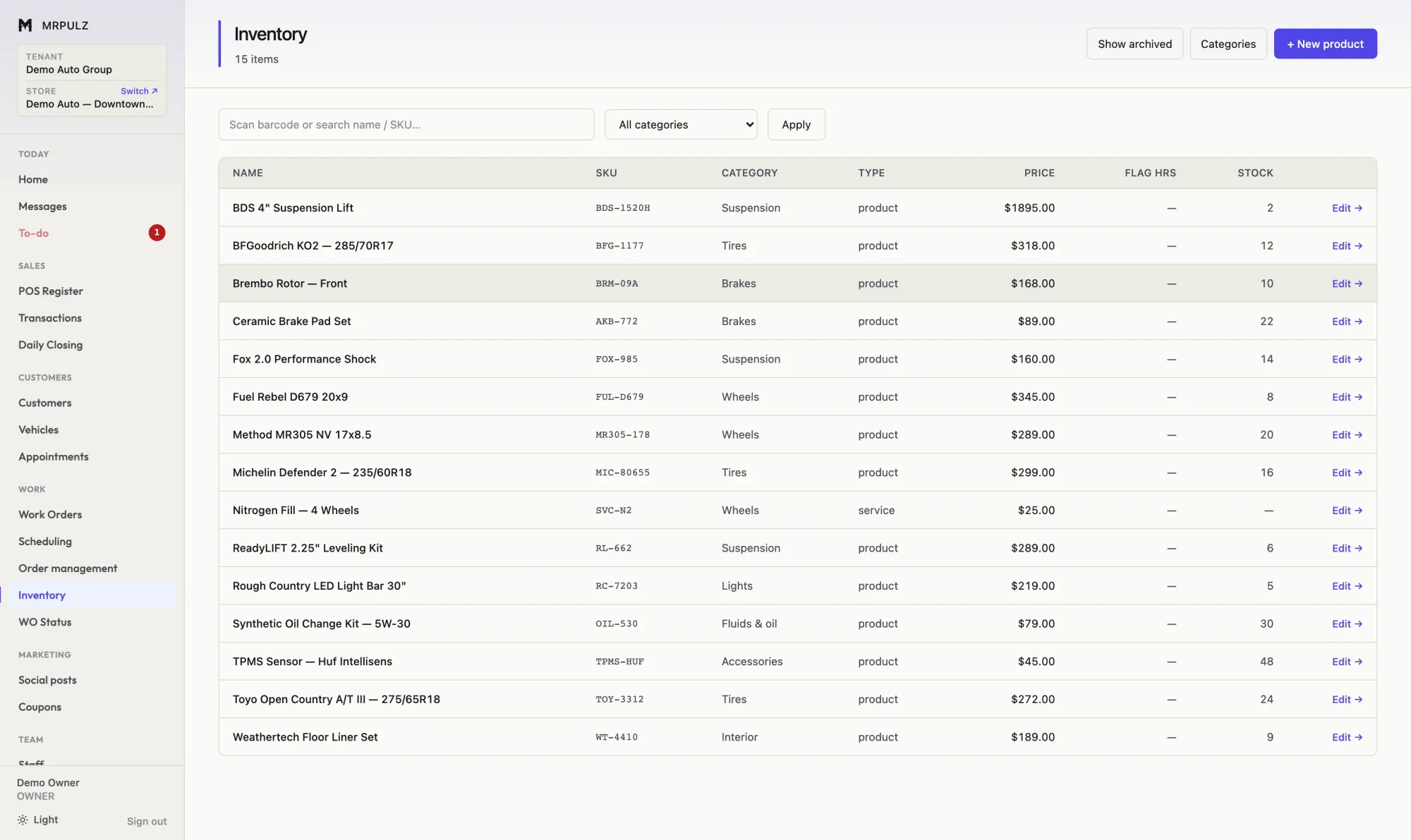
✓ One catalog behind the register, jobs and purchasing ✓ Stock adjusts on sale, on job use and on receipt ✓ Per-item low-stock thresholds ✓ Cost and price tracked together for real margin More on inventory → Sales, deposits, card fees, tax, payroll and expenses posted as they happen — with a P&L you can check against the drawer.
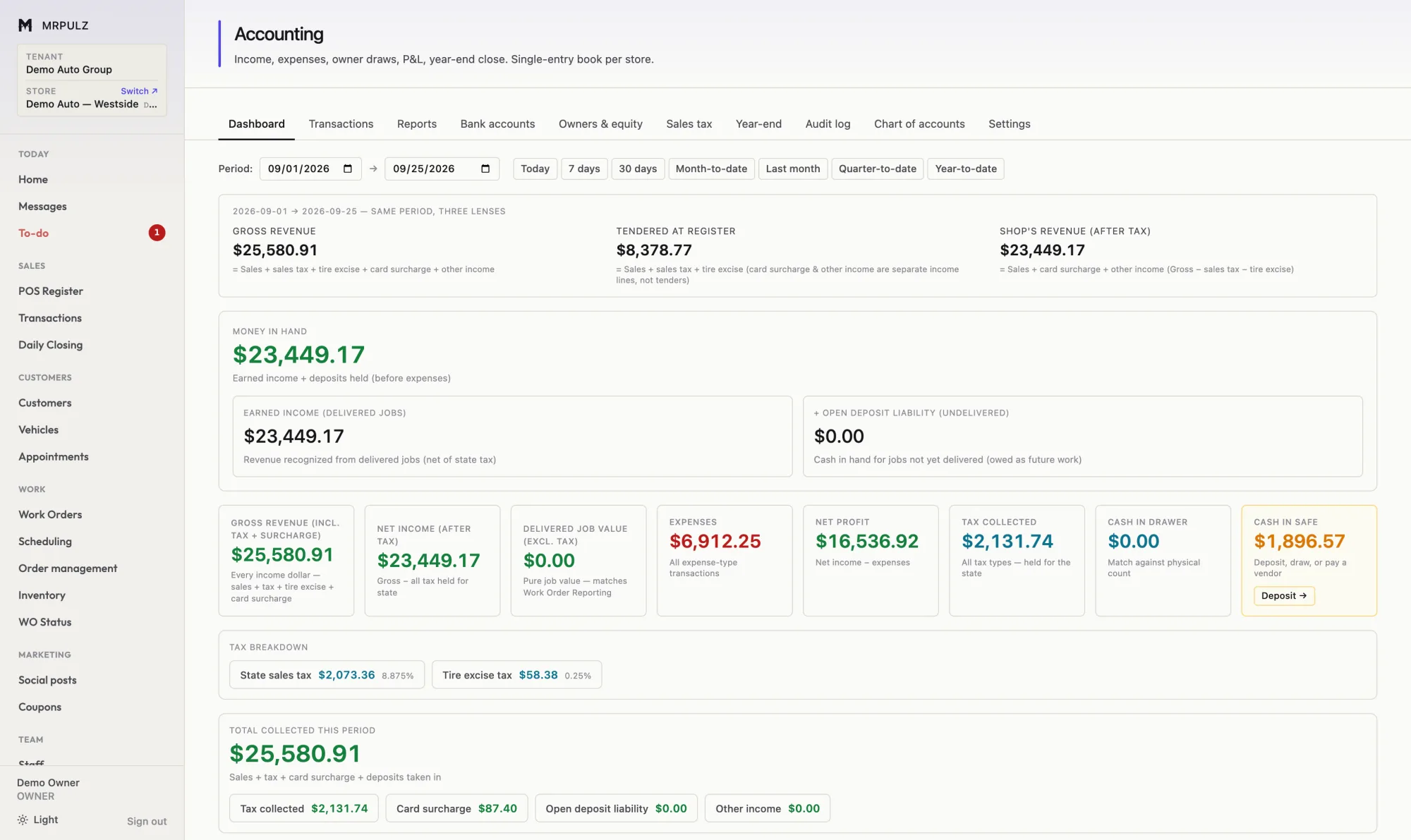
✓ Sales, refunds, deposits and card fees posted automatically ✓ Deposits on undelivered work shown as a liability ✓ Sales tax and tire excise tracked as held, not earned ✓ Owner draws and capital kept out of operating profit More on accounting → Per-job profit after parts, labor, tax, card fees and discounts — not a margin over a number nobody chose.
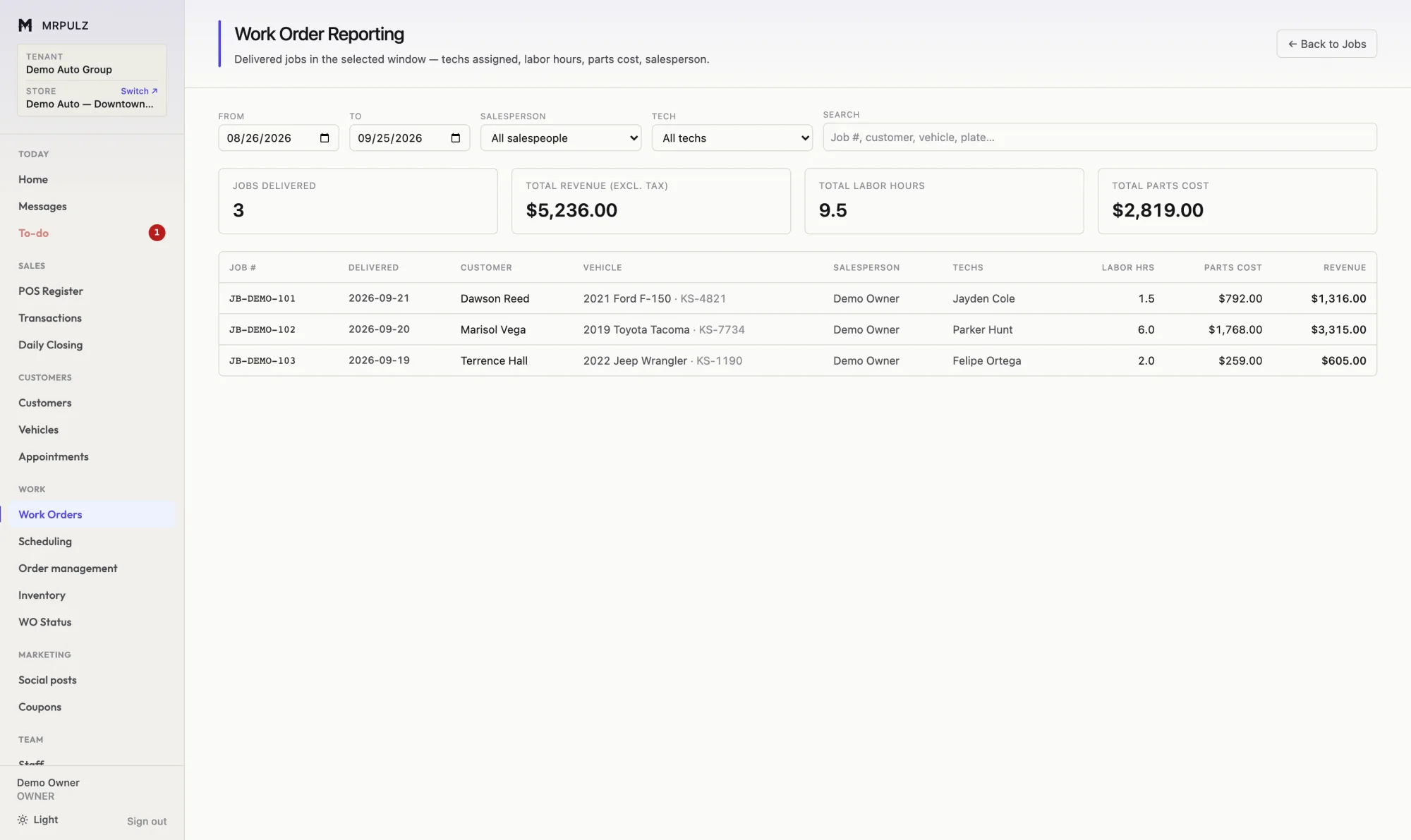
✓ Per-job profit after parts, labor, tax, fees and discounts ✓ Every percentage against one denominator, so they compare ✓ Technician flag hours against hours actually taken ✓ Days from approval to delivery, per job and averaged More on reporting → Each location keeps its own stock, staff, books and numbering. You see all of them on one screen.
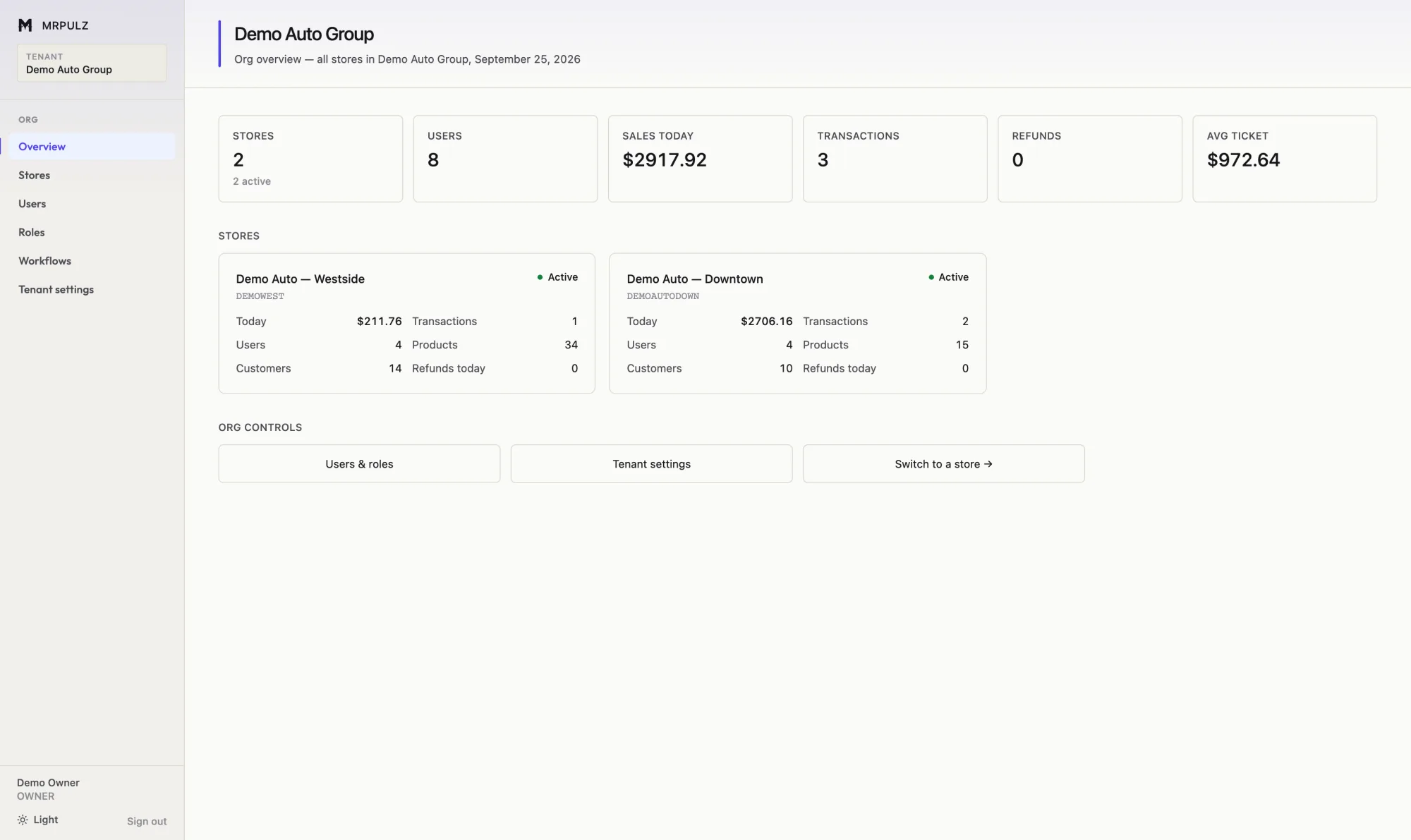
✓ Separate stock, staff, books and numbering per location ✓ Shared people, roles and workflow templates ✓ One screen comparing every location ✓ Staff scoped to the shops they work at More on multiple locations → Every customer, every vehicle, everything ever done to it — searchable by plate, phone or name.
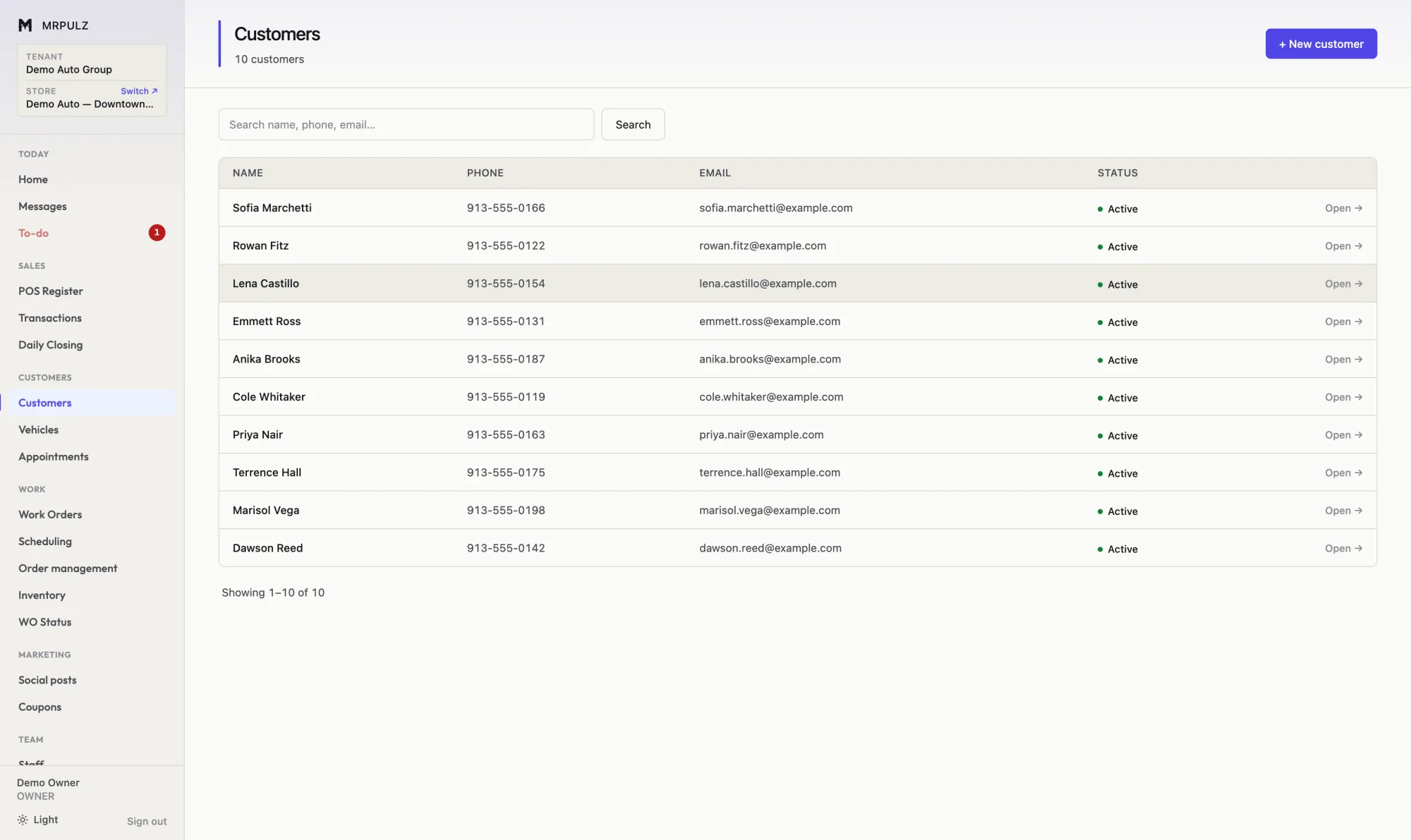
✓ Search by name, phone, plate or VIN ✓ Full service history per vehicle, not per owner ✓ Balances, deposits and store credit on the record ✓ Tax-exempt and account-terms flags More on customers & vehicles → Write once, schedule to Facebook and Instagram, and build posts from the job photos already on the ticket.
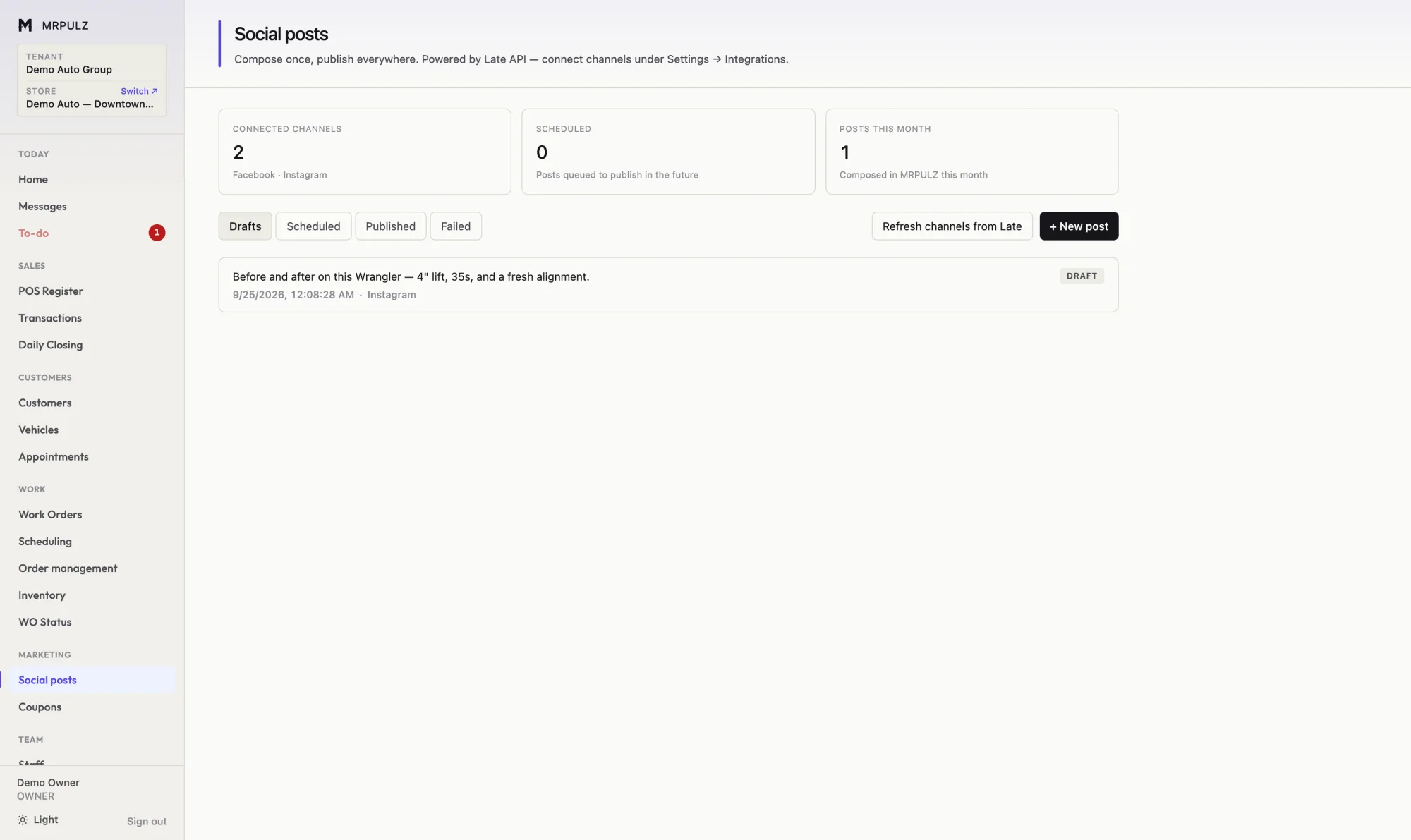
✓ One composer, posting to Facebook and Instagram ✓ Per-platform wording where it matters ✓ Scheduled posting, queued ahead ✓ Posts built from job photos already on the ticket More on marketing & social → Time clock, flat-rate and hourly pay, technician efficiency, and permissions that fit how a shop is actually run.
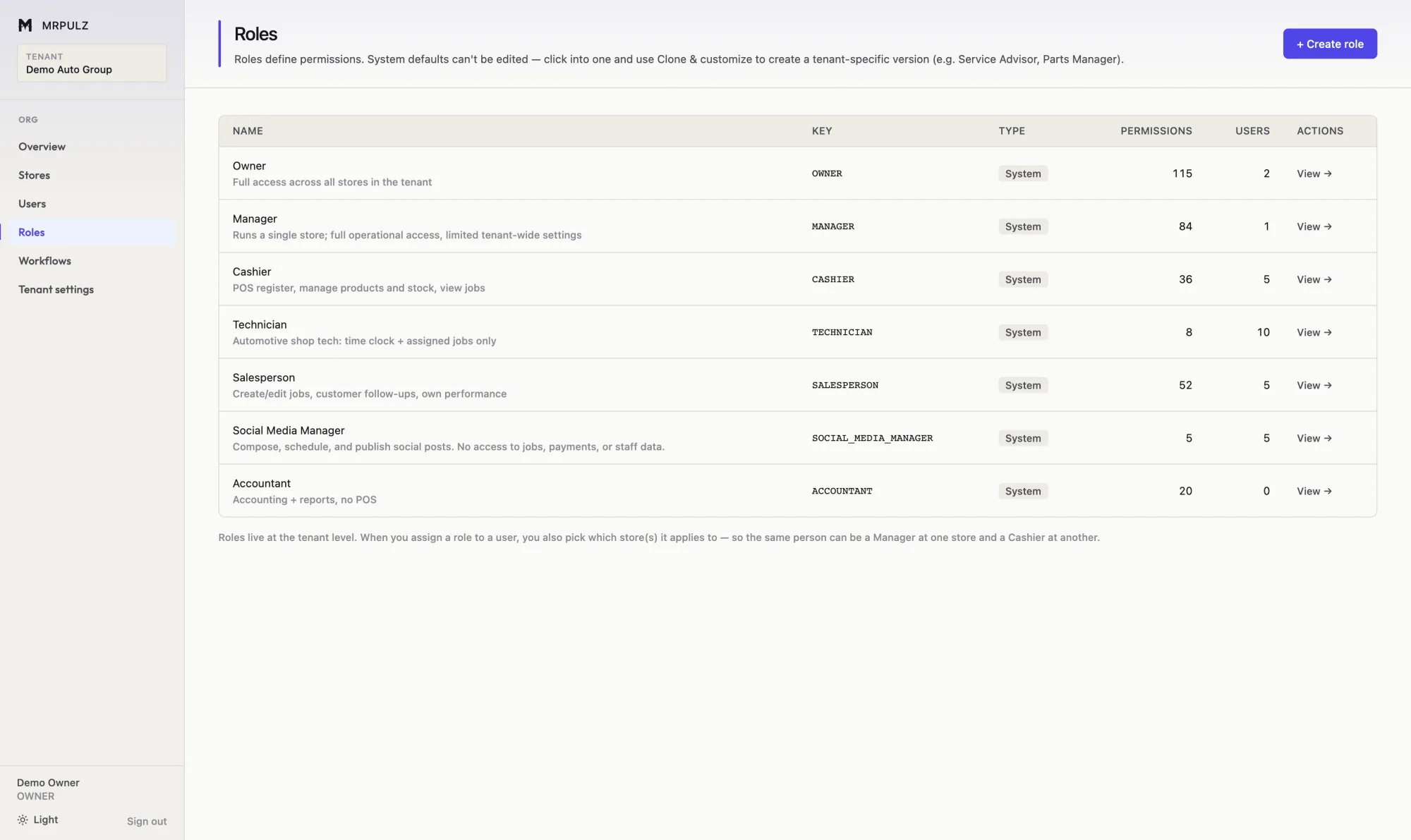
✓ Time clock with a reconcilable timesheet ✓ Flat-rate and hourly pay on the same technician ✓ Flagged hours against clocked hours ✓ Job profit costed at real technician pay More on team & payroll → Stages, rules and required steps are configuration — change how work moves without waiting on a release.
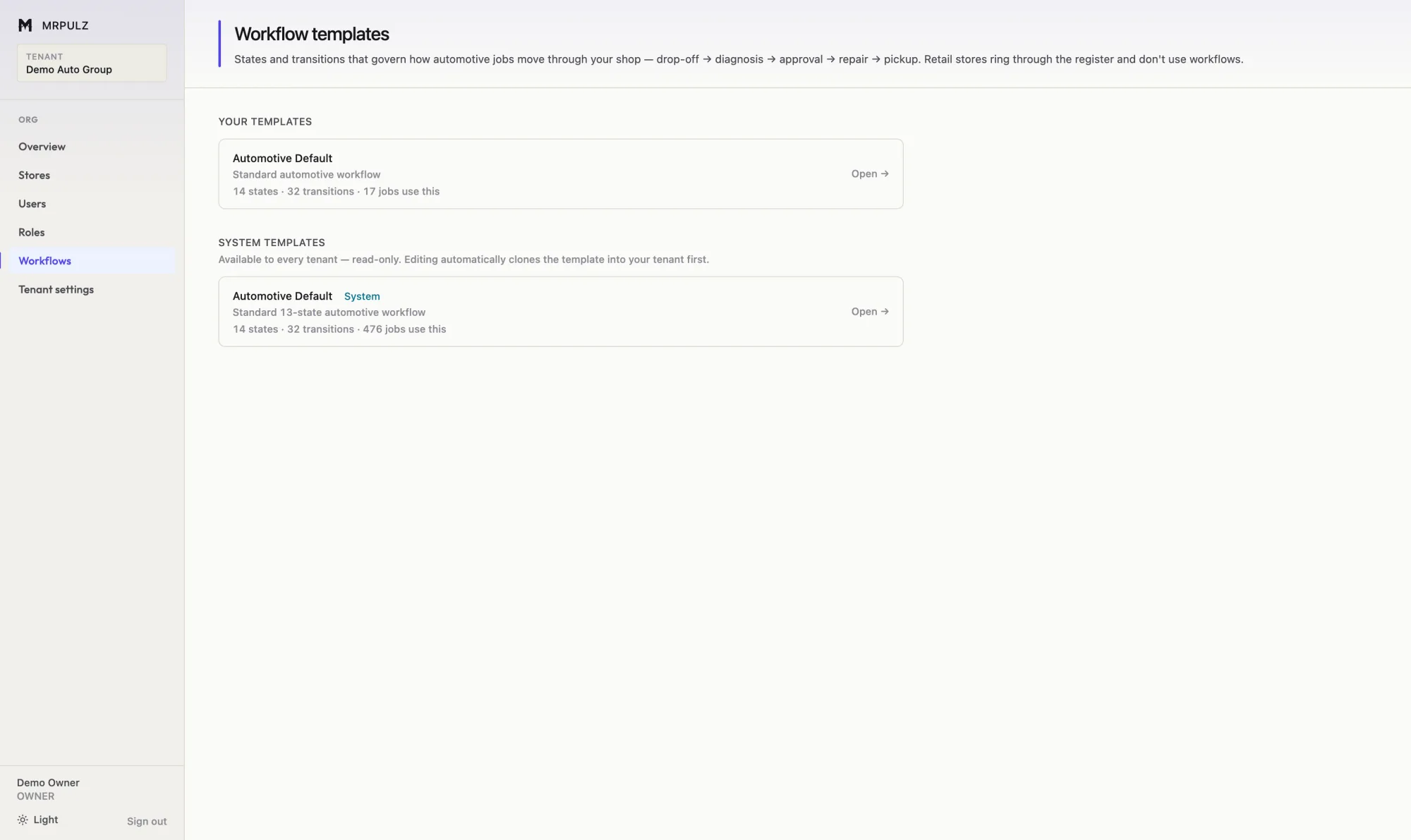
✓ Stages defined per company, not fixed by the vendor ✓ Multiple templates for different kinds of work ✓ Rules that must pass before a job can advance ✓ Required fields enforced at the stage that needs them More on configurable workflow → See it with data in it The product tour walks every screen, or start a trial and put one of your own jobs through it.